
Every month, thousands of people search for ways to earn money online without a big upfront investment. Selling Canva templates is one of the few options that really fits that description. You design a template once, list it for sale, and every future sale costs you almost nothing to fulfil. No inventory, no shipping, no customer-facing deadlines.
But can you really make $100 a day selling Canva templates? Yes, it is achievable, though not overnight and not by accident. Sellers who reach that level usually do it by treating their template shop like a small business: they pick a profitable niche, build a catalogue of products, optimise their listings for search, and drive steady traffic.
This guide walks you through the whole process, from choosing a niche to scaling up, so you can build a realistic plan to sell Canva templates and work toward $100 a day.
What Are Canva Templates, and Why Do They Sell?
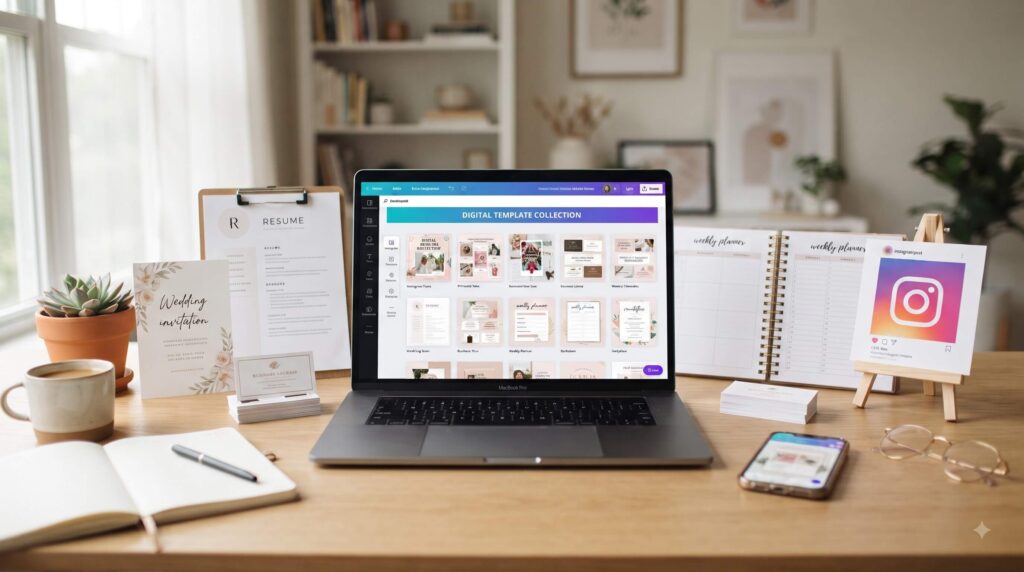
A Canva template is a pre-designed, fully editable layout that a buyer can open in Canva and customise with their own text, colours, photos and branding. Common examples include Instagram post bundles, resumes, wedding invitations, planners, social media kits, business cards, pitch decks and worksheets.
These products sell well for a few simple reasons:
- Canva has a huge user base. Millions of small business owners, teachers, students, bloggers and freelancers already use it, so your buyers are already inside the tool.
- Buyers want speed. Most people don’t want to design from scratch. They would rather pay $8 for a polished layout than spend three hours on a blank canvas.
- Digital delivery means high margins. There is nothing to print, pack or ship, so almost everything you earn above platform fees is profit.
- Demand is recurring. Businesses need fresh social media content every week, and new events, seasons and trends keep creating demand for new designs.
If you’ve ever searched for a way to earn passive income with digital products, this is one of the more approachable routes.
Is $100 a Day Realistic? The Math Behind It
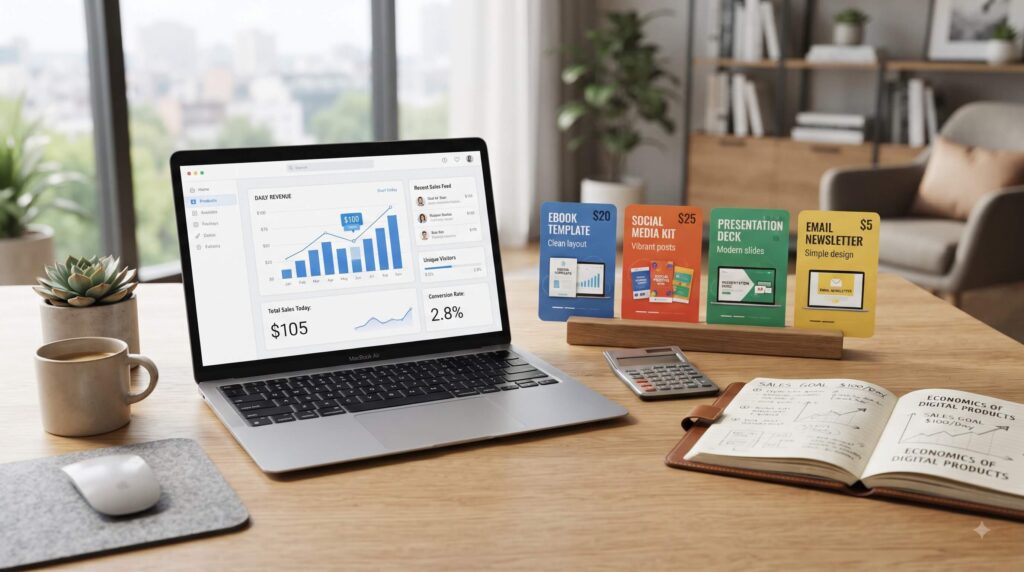
Before you start, it helps to understand what $100 a day actually requires. That is about $3,000 a month, or roughly $36,500 a year.
Here are a few ways the numbers can add up:
- Option A: 10 sales a day at $10 each = $100
- Option B: 5 sales a day at $20 each = $100
- Option C: 4 sales a day at $25 average (bundles and premium kits) = $100
- Option D: 20 sales a day at $5 each = $100
Notice that you can reach the same number by selling more low-priced items or fewer high-priced ones. In general, bundles and niche-specific kits let you earn more per customer, which means you need less traffic to hit your goal.
A few honest caveats:
- Most sellers don’t reach $100 a day in their first month. Many shops take three to twelve months to build momentum, and some never get there.
- Platform fees reduce your take-home. On Etsy, for example, you pay a listing fee, a transaction fee and a payment processing fee on each sale. Check Etsy’s current fee schedule so you know your real margins.
- Results vary widely. Your niche, design quality, listing optimisation and consistency will make a big difference. Income figures you see on social media are often best-case examples, not averages.
The goal is not a get-rich-quick promise. It is a repeatable system you can improve month after month.
Step 1: Choose a Profitable Template Niche
The biggest mistake new sellers make is creating generic templates for “everyone.” A general “modern Instagram template” competes with thousands of identical listings. A “real estate agent Instagram template kit” competes with far fewer, and the buyer is more willing to pay.
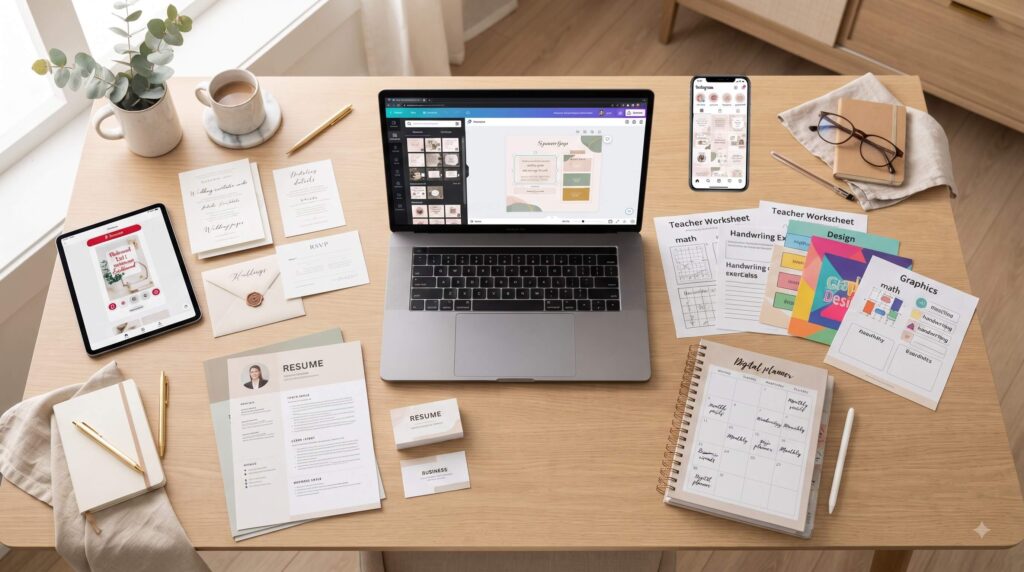
Strong niches share three traits: a clear audience, a recurring need, and willingness to pay. Here are categories that consistently perform well:
Small business and social media
- Instagram and Facebook post bundles
- Instagram Story templates
- Reels covers and highlight icons
- Brand style guides and media kits
- Pinterest pin templates
Education
- Worksheets and lesson plan templates
- Classroom decor and labels
- Teacher planners
- Student study guides and flashcards
Events and personal use
- Wedding invitations and suites
- Baby shower and birthday invitations
- Seating charts and event signage
- Photo collage and memory books
Career and professional
- Resume and CV templates
- Cover letters and portfolios
- LinkedIn banners
- Pitch decks and proposals
Planners and printables
- Digital planners
- Budget trackers and habit trackers
- Meal planners and fitness logs
How to pick: Choose a niche where you either have some personal knowledge (teaching, fitness, weddings, small business) or can easily research what customers want. Your understanding of the buyer’s real problem will shape better designs.
Step 2: Research Keywords and Competitors
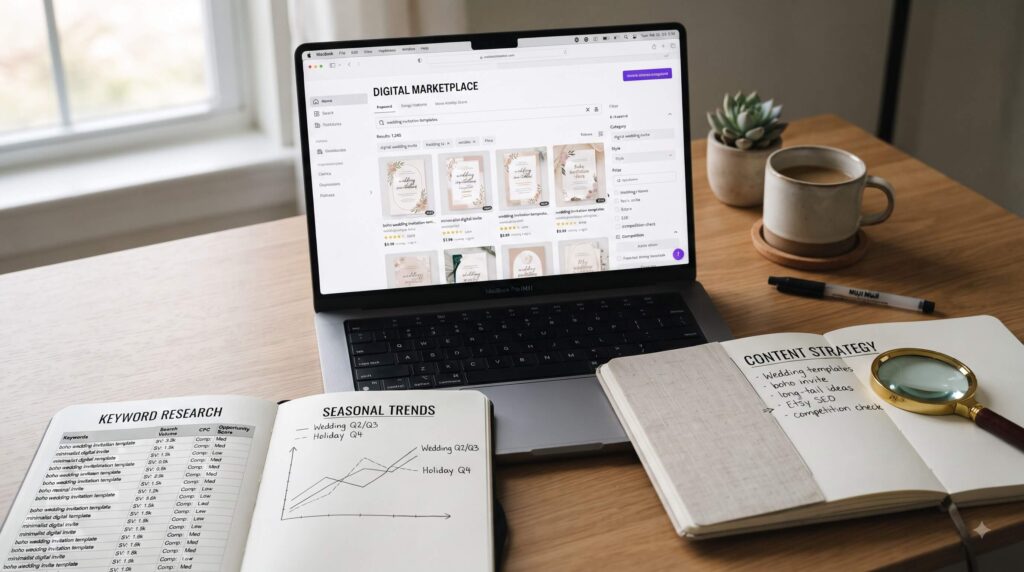
Successful template sellers don’t guess. They check what people already search for and buy.
Start with marketplace research:
- Go to Etsy and type your niche into the search bar. Note the autocomplete suggestions, since they reflect real searches.
- Look at top-ranking listings. How many reviews do they have? What price points do they use? What do their thumbnails look like?
- Check the “best seller” and “popular now” badges to spot proven products.
- Look for gaps: sub-niches or styles that have demand but fewer polished options.
Use keyword tools: Free tools like Google Trends, Pinterest Trends and Google’s autocomplete can show seasonal interest. Paid Etsy research tools can estimate search volume and competition if you want deeper data.
Target long-tail keywords. Instead of competing for “Instagram template,” aim for phrases like “minimalist real estate Instagram template Canva” or “teacher weekly lesson plan template editable.” Long-tail keywords have lower competition and buyers who know what they want.
A good rule: if a niche has plenty of sales and reviews but the top listings look dated, you have room to compete with a better design.
Step 3: Create High-Quality, Easy-to-Use Templates
Quality is what turns a one-time buyer into a five-star review and a repeat customer. Here is how to design templates that sell.
Get your Canva setup right
A Canva Pro subscription is generally recommended for creators. It gives you access to features like the Brand Kit, Magic Resize, and premium elements. Importantly, you must follow Canva’s content licence rules when selling templates. Rules on using Canva’s own stock photos, graphics and fonts in products for resale have specific limits, and they can change. Read Canva’s current Content License Agreement and Creator guidelines before you publish anything. When in doubt, use your own original graphics or assets with a proper commercial licence.
Design principles that sell
- Consistency: Use a limited colour palette and two or three fonts so a bundle looks like a cohesive set.
- Whitespace: Clean, uncluttered layouts look professional and are easier for buyers to customise.
- Editable everything: Make sure text boxes, colours and images can be swapped easily. Group and name layers where it helps.
- Use common fonts: Fonts that are easy to access by anyone with Canva mean fewer support questions.
- Provide variety: A set of 20 to 50 coordinated designs feels like better value than a single page.
Include clear instructions
Add a PDF or Canva page with step-by-step directions: how to open the template link, how to make a copy, and how to edit and download. A good instruction sheet cuts support messages dramatically.
Use mockups for your listing images
Your product images do most of the selling. Create mockups showing the template in use on a phone, laptop or printed page. Show the editable aspect clearly, and add short text overlays such as “Fully editable in Canva” and “Instant download.”
Step 4: Choose Where to Sell Your Canva Templates
You have several options, and many successful sellers use more than one.
Etsy
Etsy is the most popular starting point because it already has a buyer audience searching for digital products. You don’t need your own traffic at first. The trade-off is fees and competition.
Creative Market
A curated marketplace for designers. It tends to attract more professional buyers but has an approval process and takes a larger commission.
Canva’s own creator programme
Canva offers programmes for approved creators to publish templates within Canva’s platform. Availability and requirements vary, so check Canva’s official site for the latest details.
Your own store (Shopify, Gumroad, Payhip, Stan Store)
Selling directly gives you better margins and customer email addresses, but you have to bring your own traffic. Many sellers start on Etsy, then add their own store once they have an audience.
A smart approach
Start on one marketplace to learn what sells. Once you have proven products, expand to a second platform and a direct store, so you are not reliant on a single algorithm.
Step 5: Optimise Your Listings for Search
This is where SEO makes a major difference. Even a beautiful template won’t sell if nobody finds it.
Title
Put your most important keyword phrase first, then add secondary descriptors. A clear example might be: Real Estate Instagram Template, Editable Canva Social Media Bundle, Realtor Posts and Stories. Keep it readable. Don’t stuff it with repeated words.
Tags and attributes
Use every tag slot available. Mix broad and long-tail phrases, and include buyer intent terms such as “editable,” “instant download” and “Canva template.”
Description
Open with a short summary of what the buyer gets, then list:
- What’s included (number of designs, sizes, file types)
- How it works (access link, how to edit)
- Requirements (free or Pro Canva account)
- Usage terms (personal use or commercial use)
- A short FAQ
Images
Use your first image as a strong, clear thumbnail with a large mockup and bold text. Add 8 to 10 images showing different pages, the editing process, bundle contents and a size or format guide. A short video preview can also help.
Reviews and conversion
Search rankings on marketplaces tend to favour listings that convert well. Respond quickly to messages, deliver an easy experience, and politely ask satisfied buyers for reviews. Over time, reviews boost both ranking and buyer trust.
Step 6: Price Your Templates Strategically
Pricing should reflect value, not just effort. Here are some practical guidelines:
- Single templates: Often $5 to $15
- Bundles (20 to 100 designs): Often $15 to $40
- Niche business kits (brand, social, media kit): $25 to $75 or more
- Wedding and event suites: $15 to $35
Tactics that can raise your average order value:
- Create bundles. Combine related templates at a better per-item value.
- Offer tiers. A basic and a premium version lets buyers self-select.
- Run limited sales. Seasonal promotions can boost visibility, but don’t discount permanently or you’ll train buyers to wait.
- Add upsells. Offer a companion product, such as matching Story templates or a caption pack.
Test different prices over time and watch your conversion rate. If a product gets lots of views but few sales, the issue may be price, thumbnails or the listing description.
Step 7: Set Up Smooth Delivery and Customer Service
Template delivery usually works one of two ways: a PDF containing a Canva template link, or a downloadable file with the link inside. Test the link yourself from a separate Canva account to make sure copying and editing works properly.
Set the link permissions carefully, so buyers get their own editable copy without changing your original. Keep a backup of every template.
For support, prepare a short set of reply templates for common questions, such as “I can’t open the link” or “Which fonts do I need?” Answering quickly and politely protects your rating, which directly affects sales.
Step 8: Drive Traffic Beyond the Marketplace
Marketplace search traffic is great, but sellers who reach $100 a day usually add other sources of visitors.
Pinterest is a visual search engine and a natural fit for templates. Create pins for each product with clear text overlays and link them back to your listing. Pins can keep sending traffic for months, which suits evergreen digital products.
Instagram and TikTok
Short videos showing how you customise a template in Canva often perform well. “Watch me edit this in 30 seconds” content demonstrates the value instantly. Share quick tips, before-and-after edits and niche design advice.
Blogging and SEO
Write helpful articles aimed at your buyers, such as “How to plan a month of Instagram content” or “What to include in a teacher portfolio,” and link to your templates. Over time, this can bring in free search traffic to your own store.
Email list
Offer a free sample template in exchange for an email address. A list lets you announce new releases and sales without depending on any platform.
Collaborations
Partner with creators in your niche, such as coaches, teachers or small business educators, who can recommend your templates to their audience.
A Realistic Timeline to $100 a Day
Every shop is different, but here is a sensible way to think about progress:
- Months 1 to 2: Build and learn. Publish your first 10 to 20 listings. Expect few sales while you learn what resonates.
- Months 3 to 5: Refine. Improve thumbnails, titles and tags based on data. Double down on winning niches and retire weak listings.
- Months 6 to 9: Scale. With 50 or more listings and early reviews, sales tend to become more consistent. Add bundles and start traffic channels like Pinterest.
- Months 9 to 12 and beyond: Expand into new platforms, build an email list and consider hiring help for design or marketing.
The main lever is catalogue size multiplied by quality. More well-optimised listings means more chances to be found, and strong reviews help each one convert.
Common Mistakes to Avoid
- Ignoring licence rules. Using restricted elements or copyrighted fonts and graphics can get your listings removed or cause legal trouble. Always check licences.
- Copying other sellers. Take inspiration, but don’t replicate someone else’s design. Original work stands out and keeps you safe.
- Weak thumbnails. If your main image doesn’t communicate value at a glance, buyers will scroll past.
- Too broad a niche. “Templates for everyone” rarely ranks. Specific beats generic.
- Giving up too early. Many sellers stop before their listings have had time to collect reviews and rank.
- Skipping instructions. Poor delivery leads to refunds, negative reviews and wasted time.
- Never updating. Refresh designs seasonally and follow trends in colour and typography.
Tools That Make the Process Easier
- Canva Pro for design, brand kits and resizing
- Mockup generators for realistic listing images
- Google Trends and Pinterest Trends for demand research
- A spreadsheet or Notion board for tracking listings, tags, prices and results
- Scheduling tools for Pinterest and social posts
- AI writing assistants for first-draft descriptions that you then edit and personalise
Frequently Asked Questions
How much does it cost to start selling Canva templates?
Less than most businesses. Your main costs are a Canva subscription if you choose Pro, marketplace listing fees and optional research tools. Many people start for under a few hundred dollars in total.
Do I need design experience?
Not necessarily. Canva is beginner-friendly, and many successful sellers learn as they go. Studying good design, and practising layout, spacing and typography, will quickly improve your results.
Is it legal to sell Canva templates?
It can be, but you must follow Canva’s content licence and Creator terms, which set rules about what elements you can include and how templates can be shared. These rules can change, so read the latest official version before listing products.
How many templates do I need to make $100 a day?
There is no fixed number, but many sellers who reach this level have dozens to hundreds of listings. Quality, niche choice and traffic matter more than sheer volume.
What is the best platform for beginners?
Etsy is the most common starting point because of its built-in audience. Once you have proven products, add your own store to improve margins.
How long until I make my first sale?
Some sellers get a sale in the first few weeks, while others take a couple of months. Strong keyword research, good thumbnails and a niche focus all speed things up.
Can I do this as a side hustle?
Yes. Many sellers build their shops in evenings and weekends, and scale up once the income becomes reliable.
Final Thoughts: Turning Templates into a Real Income Stream
Learning how to sell Canva templates is less about luck and more about a system: pick a focused niche, research what buyers want, design clean and easy-to-edit templates, optimise every listing for search, and keep adding products and traffic sources.
Reaching $100 a day takes patience and consistency, and results are never guaranteed. But because digital products scale without extra production costs, each new template you publish can keep earning long after you’ve made it.
Start small. Publish your first ten listings this month, study your data, and improve a little each week. Over time, those small improvements can add up to a steady, profitable template business.
Income disclaimer: Earnings vary widely and are not guaranteed. The figures in this article are illustrative examples, not promises of results.